

Code signing toole error while publishing.
 MeinMilchKaffee
Member, PRO Posts: 114
MeinMilchKaffee
Member, PRO Posts: 114
Hello,
I am trying to publish my game. But i always get an error:
"Code signing tool error
iPhone publishing requires the iPhone SDK. Ensure that you have the latest iPhone SDK installed"
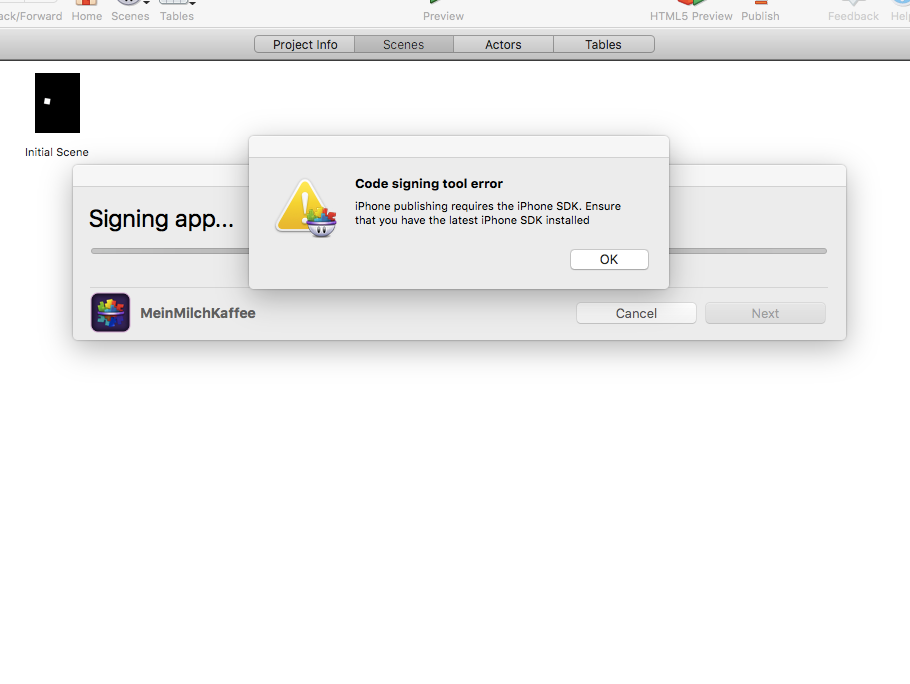
I deleted the Xcode 7.1 beta and even reinstalled the latest Xcode 7.
Is there anything else I can do?
Another thing. On Gamesalad the "Open Recent" list is always empty. Is there a way to fix this?
Thanks!
Comments
Open Xcode and it may do some downloads usually libraries.
Thanks but didn't work..
Try a fresh install of GS
Have the exact same problem. Nothing works... Deleted xcode, reinstalled, updated. But nothing. Gonna try reinstall GS too. But it started right after the latest GS version update.
Ugh, me too. GS Version 13.40 and Xcode Version 7.0 (7A220)
Replacing GS did not work.
Having the same problem. Tried all the suggested fixes. Still getting the error message.
Submit a bug report. @BlackCloakGS
Same error here. Installed 13.40 and it was working great until I decided to update Xcode.
XCode 7 moved where the command line codesigning tools are, again. We'll need to make a new build to tell Creator to look in the proper place. ETA tomorrow unless we find a showstopper in QA.
Thanks. Getting same error here. Appreciate if you can notify us when the new build is ready.
We just released 0.13.41 which fixes this issue.
I'm having the same issue. I have Xcode 7.2 and GameSalad 1.24.40.
Make sure you have things filled out in Xcode preferences, account.